Date Countdown Review: Good for Days Left, Not Planning the Work
A review of calendar-day countdowns, date intervals and local saved dates for exams, travel and launches.
How I tested it: three deadline-like dates
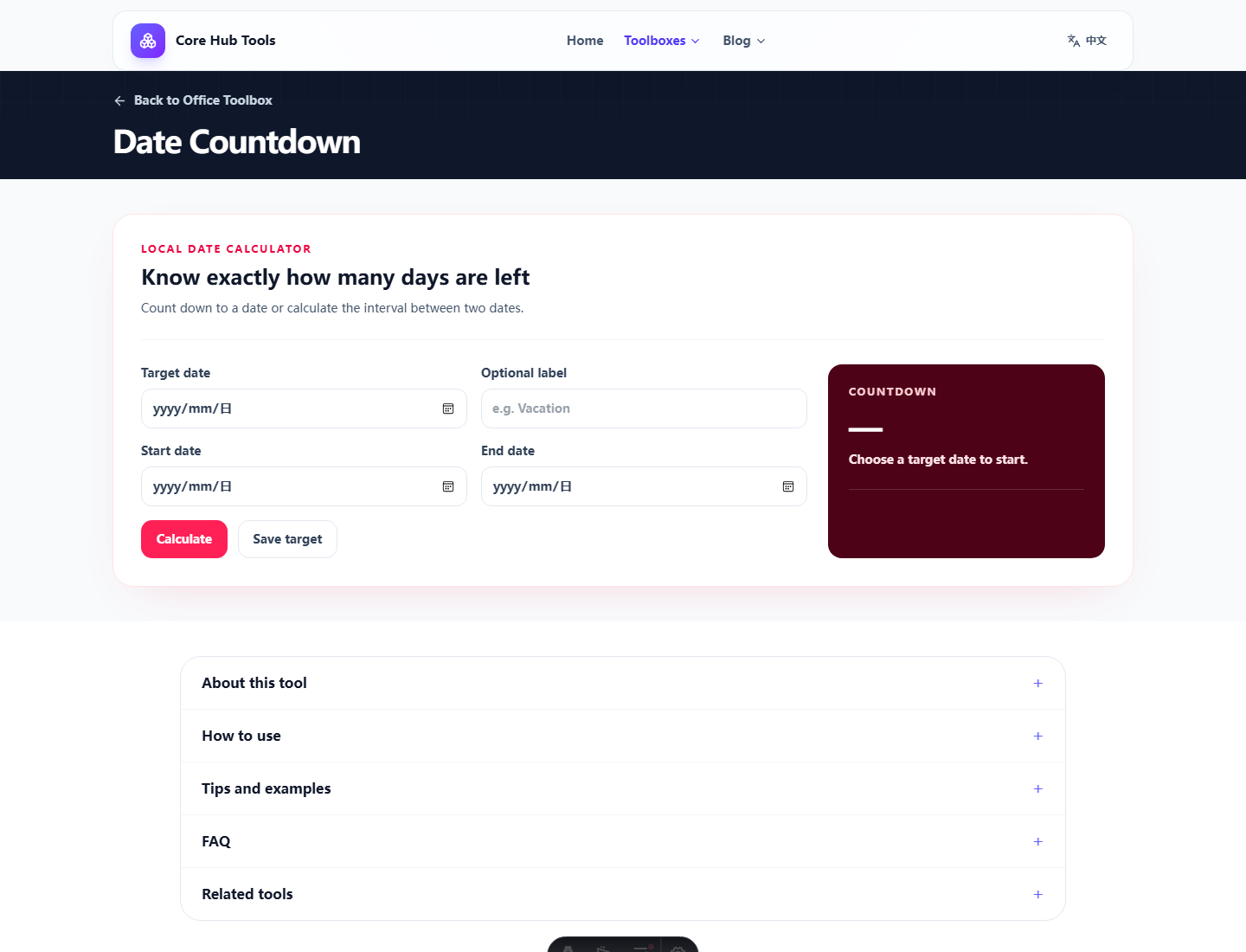
What it provides
“Due next month” is easy to underestimate. “29 days left” is harder to ignore. The count helps with rough back-planning: preparation, booking, review time and buffer.
Pros and cons
- Pro: target countdowns and start/end intervals are easy to read.
- Pro: days and weeks support rough planning.
- Pro: local saved dates are convenient for repeat checks.
- Con: no reminders, workday logic, holidays, shared planning or time-zone precision.
Who it fits
It fits students, travelers and project owners who need date awareness. Serious deadlines belong in a calendar or project system too.
Verdict
Useful for seeing time. Not enough for managing it.
FAQ
Frequently asked questions
What should I know before choosing Date Countdown?+
It makes dates concrete by turning them into day counts. It does not handle reminders, business days, holidays, collaboration or precise cutoff hours.
Which time zone is used?+
It uses the local date and time zone configured on your device.
Can it count business days?+
This version counts calendar days and weeks, not holidays or local workday rules.