Image Watermark Review: Good for Credits, Weak as Protection
A review of local text watermarking for product previews, tutorial screenshots and social images.
How I tested it: product, tutorial and social images
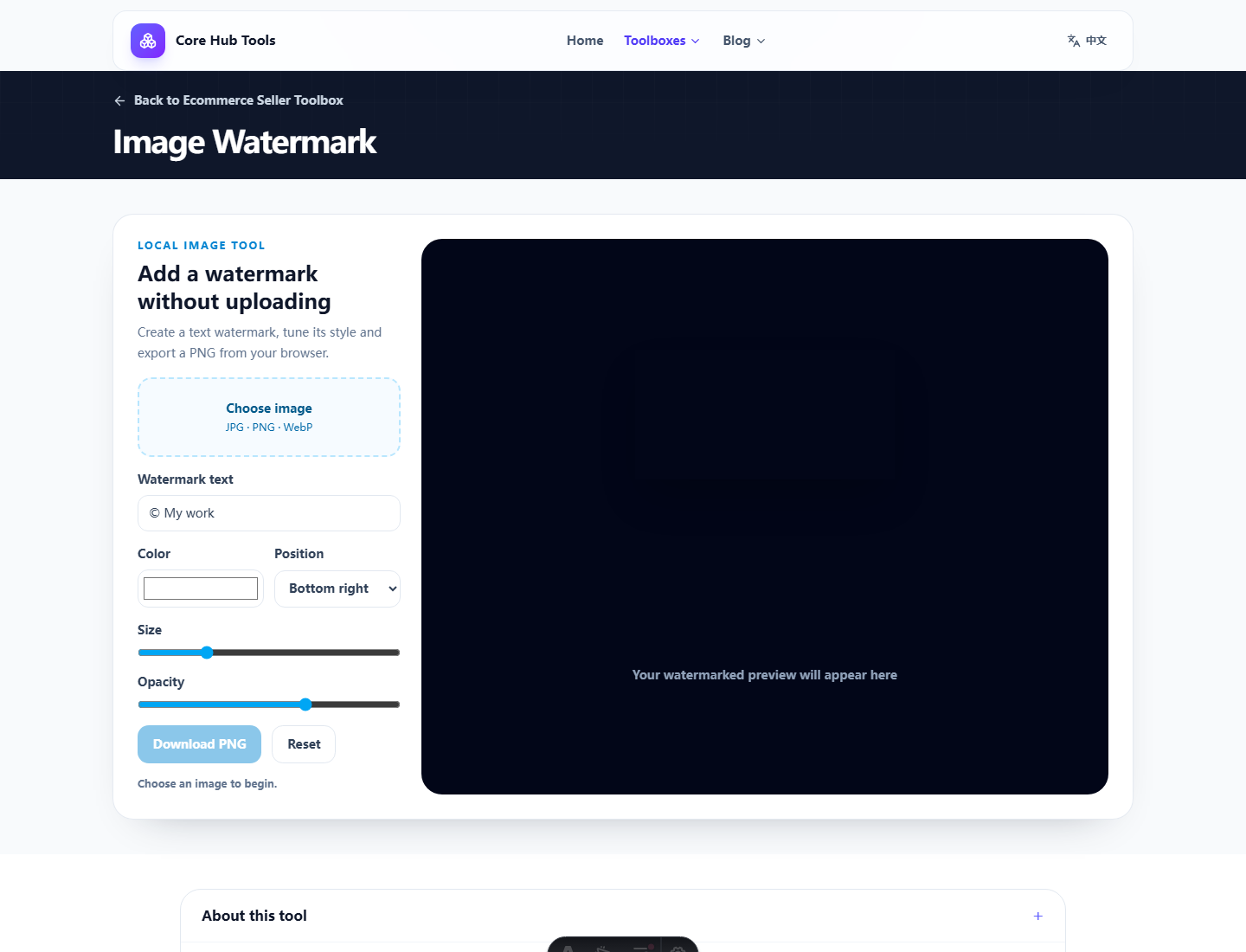
What works
For one or two images, the tool is faster than a design app. Type the text, adjust opacity and position, preview, then download a new file. The workflow is intentionally small, and that is the point.
Pros and cons
- Pro: quick local text marks.
- Pro: live preview for size, color, opacity and placement.
- Pro: original image is not overwritten.
- Con: no logo watermark, batch mode, templates or rights workflow.
Who it fits
It fits creators, sellers and writers who need light crediting before publishing. It does not fit teams needing brand templates, batch output or copyright evidence workflows.
Verdict
Use it for identification, not protection. A watermark helps recognition; it is not a shield.
FAQ
Frequently asked questions
What should I know before choosing Image Watermark?+
It is useful for adding a quick visible credit or label to one image. It is not copyright protection or rights management.
Will the image be uploaded?+
No. Image rendering happens inside the browser Canvas.
Can I use a logo instead of text?+
This compact version supports text watermarks only.