ID Photo Cropper Review: Framing Help, Not Approval Help
A review of local portrait cropping, common aspect ratios and JPG export for application photos and profile images.
How I tested it: one portrait, three crops
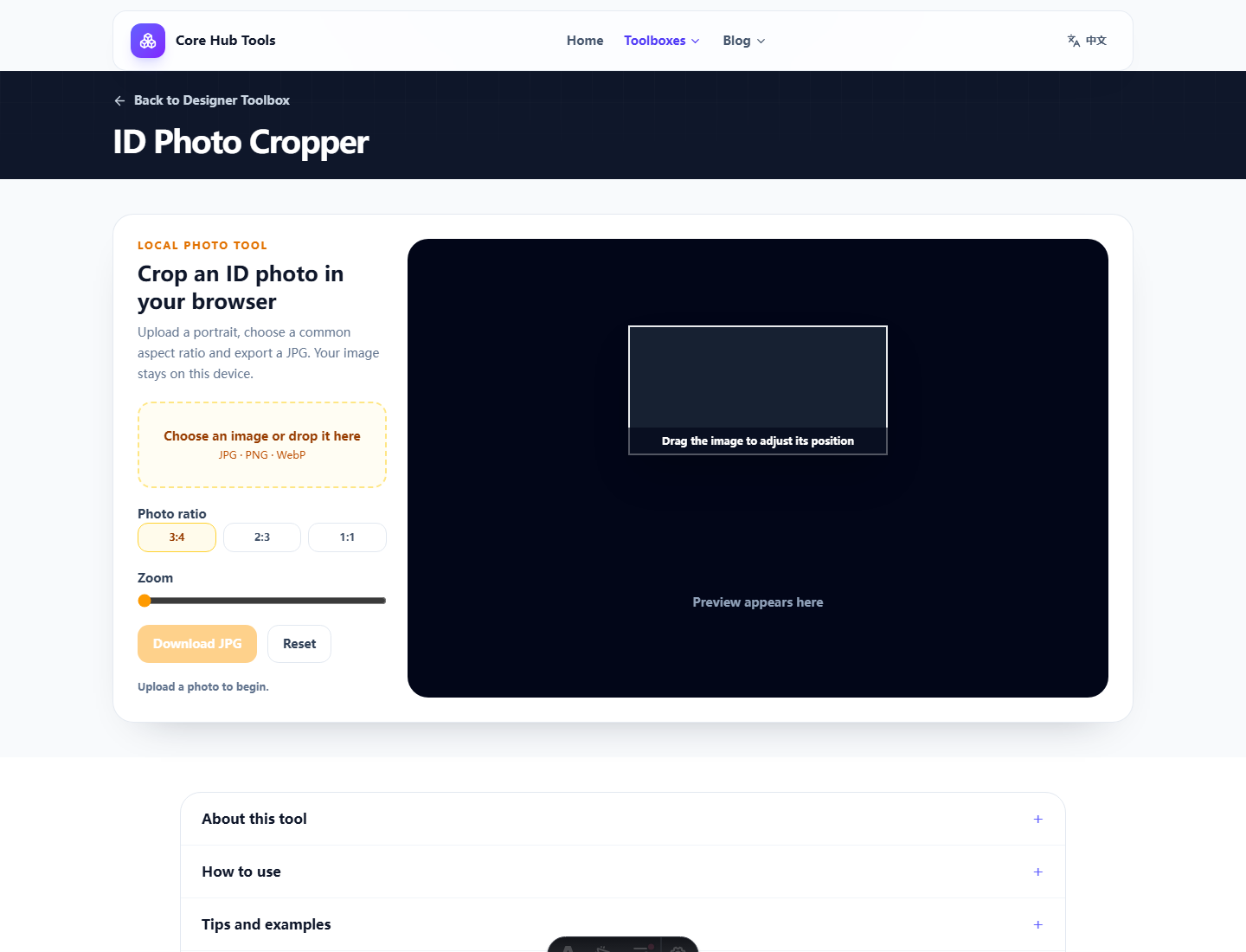
What it solves
The crop flow is direct: choose a ratio, drag, zoom and export JPG. For basic application portraits and profile images, that is often enough. Local processing is also a real benefit when the image is personal.
Pros and cons
- Pro: common ratios for portrait composition.
- Pro: drag and zoom are easier than screenshot cropping.
- Pro: local browser processing.
- Con: no background replacement, exact pixel preset, file-size target or compliance check.
Who it fits
Use it for final framing when the original already meets most requirements. Do not use it as a full ID-photo maker or approval predictor.
Verdict
A useful cropper with a clear boundary: it frames photos, it does not approve them.
FAQ
Frequently asked questions
What should I know before choosing ID Photo Cropper?+
It helps when the source photo is already good and only the crop needs work. It cannot satisfy every ID-photo rule by itself.
Is my photo uploaded?+
No. Cropping and export happen in the current browser only.
Which formats can I upload?+
JPG, PNG and WebP are supported in modern browsers.