QR Code Generator Review: Fast Output, Real-World Scan Test Required
A review of local static QR generation for posters, cards and fixed links, including the limits of no analytics or dynamic redirects.
How I tested it: codes for real surfaces
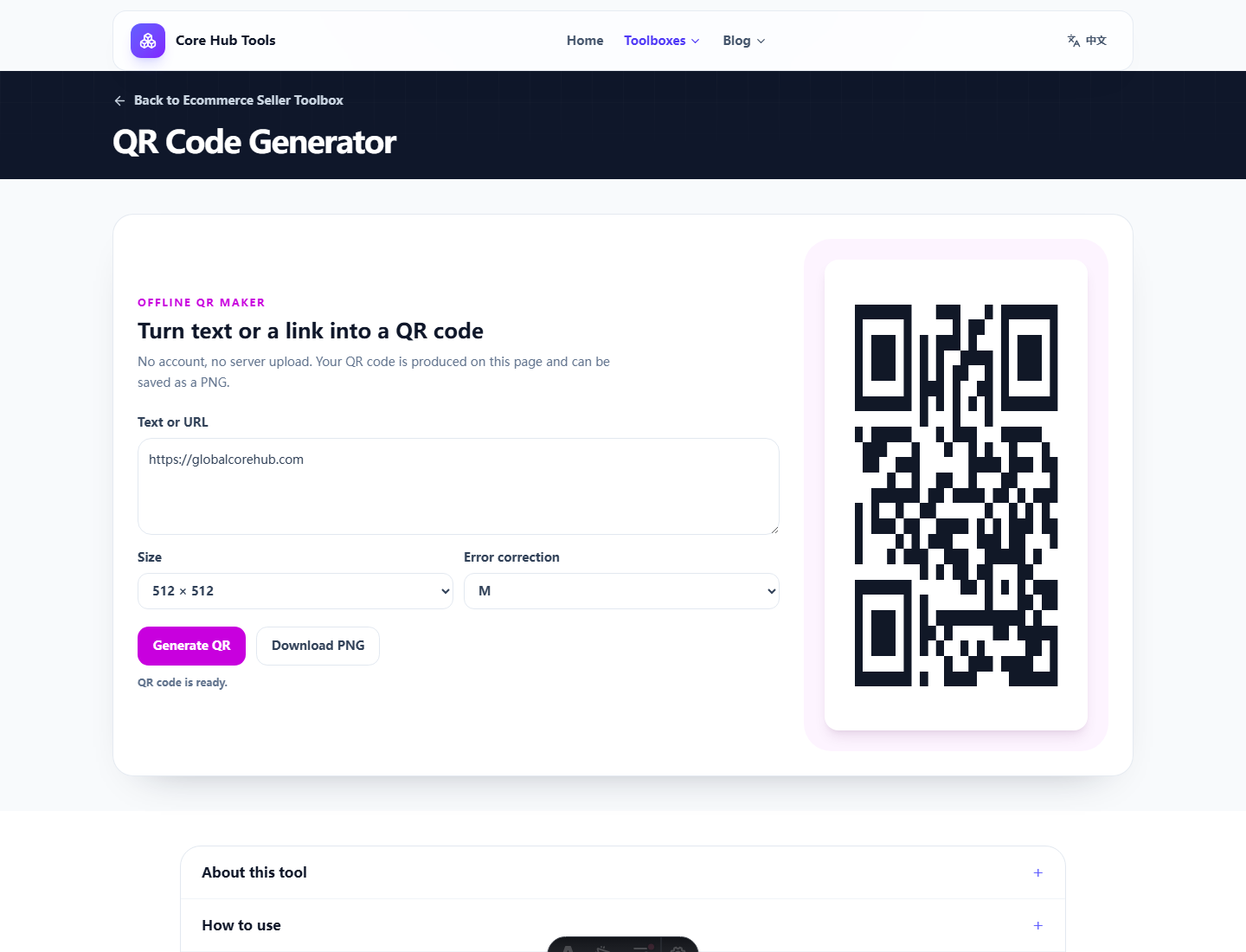
What matters most
Generation is easy. Scan reliability depends on size, margins, contrast, distance and whether the final design distorts the code. Static also means the destination cannot be changed after printing.
Pros and cons
- Pro: quick local generation for URLs, text and contact info.
- Pro: size and error correction controls.
- Pro: PNG download for simple design workflows.
- Con: no scan analytics, redirect management, destination edits or campaign attribution.
Who it fits
It fits fixed links on posters, table cards, simple instructions and personal sharing. Marketing campaigns that need tracking should use dynamic QR services.
Verdict
Good for simple static sharing. Always test the final asset with a real phone.
FAQ
Frequently asked questions
What should I know before choosing QR Code Generator?+
It is good for static QR codes for fixed links, text and contact details. The real work is checking size, quiet space, contrast and scanning in the final context.
Does QR generation expose my link?+
No. The QR code is generated inside the browser without sending the content to this site.
Will the code keep working?+
It is a static QR code. It works as long as the encoded text or destination remains valid.